How to Use Laravel AI SDK in a Simple Way
If you are hearing about AI in Laravel for the first time, do not worry. In this blog, I will explain everything in very easy words. Think of Laravel AI SDK like a bridge. On one side, you have your Laravel app. On the other side, you have AI tools like OpenAI, Anthropic, or Gemini. The SDK helps both sides talk to each other in a clean and simple way.
If you are still new to Laravel itself, I strongly suggest reading this guide first:Laravel 13 Complete Guide. It will help you understand the basics before you add AI features to your project.
In this blog, we will learn what Laravel AI SDK is, how to install it, how to connect an API key, how to make your first AI response, and how agents and tools work in a beginner-friendly way.
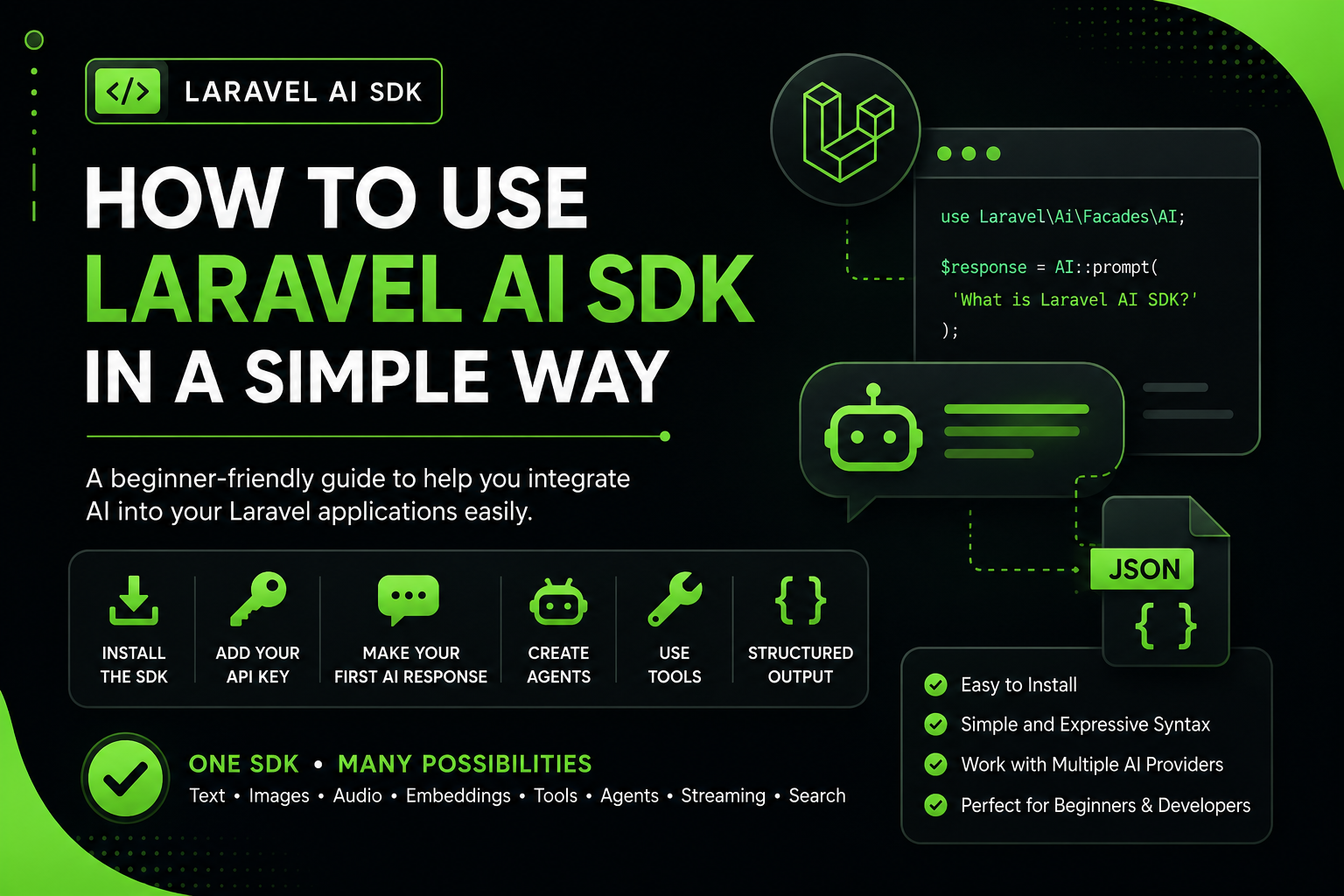
What is Laravel AI SDK ?
Laravel AI SDK is an official Laravel package that gives you one simple and expressive way to work with AI providers. Instead of learning a different style for every provider, you can use one Laravel-friendly system to generate text, images, audio, embeddings, and more.
The official Laravel website also explains that the SDK helps you build smart agents with instructions, memory, tools, structured output, streaming, and testing support. That means it is not just for asking simple questions. You can build real AI features inside your app.
In very simple words, if you want your Laravel app to chat, explain, summarize, search, or act like a smart helper, Laravel AI SDK is made for that.
Before You Start Using Laravel
Before creating a Laravel app, the official Laravel installation guide says your computer should have PHP, Composer, and the Laravel installer installed. It also recommends Node and NPM or Bun for frontend assets.
So, in easy words, you should have these things ready:
- PHP
- Composer
- Laravel Installer
- Node and NPM or Bun
- A Laravel project
- An API key from OpenAI, Gemini, Anthropic, or another supported provider
If you do not have a Laravel project yet, you can create one with the command below. Laravel’s official installation guide shows the laravel new example-app command for creating a new app.
laravel new laravel-ai-demo
cd laravel-ai-demo
Step 1: Install Laravel AI SDK
This is the first real step. The official Laravel AI SDK documentation says you can install the package with Composer, then publish the configuration and migration files, and finally run migrations.
composer require laravel/ai
php artisan vendor:publish --provider="Laravel\Ai\AiServiceProvider"
php artisan migrate
Let us understand this in simple words:
- composer require laravel/ai installs the package
- vendor:publish copies config and migration files into your project
- php artisan migrate creates database tables the SDK uses for conversations
Step 2: Add Your AI Provider API Key
The Laravel AI SDK docs say you can add provider credentials in the .env file or in config/ai.php. The docs list many supported environment variables, includingOPENAI_API_KEY, GEMINI_API_KEY, and ANTHROPIC_API_KEY.
If you are a beginner, just start with one provider. For example, if you want to use OpenAI, add this to your .env file:
OPENAI_API_KEY=your_openai_api_key_hereOr if you want to use Gemini, you can add:
GEMINI_API_KEY=your_gemini_api_key_hereThis key is like a pass that allows your Laravel app to talk to the AI service.
Step 3: Make Your First AI Response
The official docs show that you can use an anonymous agent with the agent()helper. This is a very nice way for beginners to start because you do not need to create a full class first.
Create a simple route in routes/web.php like this:
<?php

use Illuminate\Support\Facades\Route;
use function Laravel\Ai\{agent};

Route::get('/ask-ai', function () {
    $response = agent(
        instructions: 'You are a friendly teacher. Explain everything in a way an 8th class student can understand.',
        messages: [],
        tools: [],
    )->prompt('What is Laravel?');

    return (string) $response;
});
Now open /ask-ai in your browser. The AI will answer your question. In simple words, the instructions tell the AI how to behave, and the prompt()gives it the question. This syntax matches the anonymous agent example shown in the official docs.
Step 4: Create Your First AI Agent
When your project grows bigger, using an agent is better than writing everything directly in a route. The Laravel AI SDK docs say agents are the main building blocks of the package. They hold instructions, conversation context, tools, and output rules in one clean class.
The official command for creating an agent is:
php artisan make:agent FriendlyTeacherAfter that, you can make a simple agent like this:
<?php

namespace App\Ai\Agents;

use Laravel\Ai\Contracts\Agent;
use Laravel\Ai\Promptable;

class FriendlyTeacher implements Agent
{
    use Promptable;

    public function instructions(): string
    {
        return 'You are a friendly teacher. Explain things in a simple, easy, and fun way for beginners.';
    }
}
Now use that agent inside a route:
<?php

use App\Ai\Agents\FriendlyTeacher;
use Illuminate\Support\Facades\Route;

Route::get('/teacher', function () {
    $response = (new FriendlyTeacher)->prompt('Explain what an API is.');

    return (string) $response;
});
This is easier to manage because your AI instructions live in one proper file, not scattered all over your project.
Step 5: Understand AI Tools in a Very Simple Way
Think of a tool like giving your AI an extra hand. Normally, the AI can only answer from what it knows or from the prompt you send. But with tools, it can do extra jobs like generating a random number, looking up data, or searching your own information. The docs show that tools can be created with the make:tool command.
php artisan make:tool RandomNumberGeneratorThe official docs show a simple tool example like this:
<?php

namespace App\Ai\Tools;

use Illuminate\Contracts\JsonSchema\JsonSchema;
use Laravel\Ai\Contracts\Tool;
use Laravel\Ai\Tools\Request;
use Stringable;

class RandomNumberGenerator implements Tool
{
    public function description(): Stringable|string
    {
        return 'This tool may be used to generate cryptographically secure random numbers.';
    }

    public function handle(Request $request): Stringable|string
    {
        return (string) random_int($request['min'], $request['max']);
    }

    public function schema(JsonSchema $schema): array
    {
        return [
            'min' => $schema->integer()->min(0)->required(),
            'max' => $schema->integer()->required(),
        ];
    }
}
Do not get scared by the code. It is actually simple:
- description() tells the AI what the tool does
- handle() does the real work
- schema() tells the AI what input values it should send
Step 6: What is Structured Output?
Sometimes you do not want a long paragraph from AI. Sometimes you want clean data, like a score, a title, a category, or a short JSON response. Laravel’s official docs explain that the AI SDK supports structured output using schemas, which is very useful when you want predictable results.
For example, imagine you want the AI to check a student answer and only return a score. Structured output helps you do exactly that.
<?php

namespace App\Ai\Agents;

use Illuminate\Contracts\JsonSchema\JsonSchema;
use Laravel\Ai\Contracts\Agent;
use Laravel\Ai\Contracts\HasStructuredOutput;
use Laravel\Ai\Promptable;

class AnswerChecker implements Agent, HasStructuredOutput
{
    use Promptable;

    public function instructions(): string
    {
        return 'Check the answer and return only a score.';
    }

    public function schema(JsonSchema $schema): array
    {
        return [
            'score' => $schema->integer()->required(),
        ];
    }
}
This is very useful when your app needs neat and organized results instead of big messy text.
Why Laravel AI SDK is Good for Beginners
The biggest reason is that Laravel AI SDK keeps things organized. The official Laravel AI page highlights one SDK for text, images, audio, embeddings, agents, tools, testing, streaming, and built-in search features. That means you do not need to glue many different packages together in a confusing way.
The official Laravel blog also explains that the SDK solves the problem of jumping between different AI provider APIs and scattered code. In simple words, it helps keep your project clean, and that is great for learners as well as professionals.
1. One Clean Style
You learn one Laravel-style approach instead of learning a totally different method for every AI provider.
2. Easy Start
You can begin with a tiny route and one prompt, then slowly move to agents, tools, and structured output.
3. Good for Real Projects
It is not only for demo apps. The SDK also supports streaming, testing, files, vector search, and failover, which are useful for bigger production apps too.
Common Beginner Mistakes
When students start learning Laravel AI SDK, they often make a few small mistakes. The good news is that they are easy to fix.
- Forgetting to add the API key in the
.envfile - Installing the package but not publishing config or running migrations
- Writing a huge complex agent before testing a simple prompt first
- Not checking if the route is returning a string response properly
- Trying too many advanced features before understanding the basics
My best advice is simple: first make one route work, then make one agent, then try one tool. Step by step is the smartest way to learn.
A Simple Learning Path for Students
If you are confused about where to start, follow this path:
- Create a fresh Laravel project
- Install Laravel AI SDK
- Add one API key
- Make one route with a simple prompt
- Create one agent class
- Learn tools
- Learn structured output
This order keeps learning smooth and prevents you from feeling overloaded.
Conclusion
Laravel AI SDK is a very exciting package because it lets you add AI features to your Laravel app in a clean and organized way. You can start very small with one prompt, then move to agents, tools, structured output, streaming, and more when you feel ready.
If you are a beginner, do not try to master everything in one day. First, build one small AI feature that works. That small success will make the next step much easier.